Invoice reports: Review your billing and export to CSV
Invoice reports bring filtered records and summaries together, with CSV export for work you need to do outside Pushsilver.
Look beyond one invoice
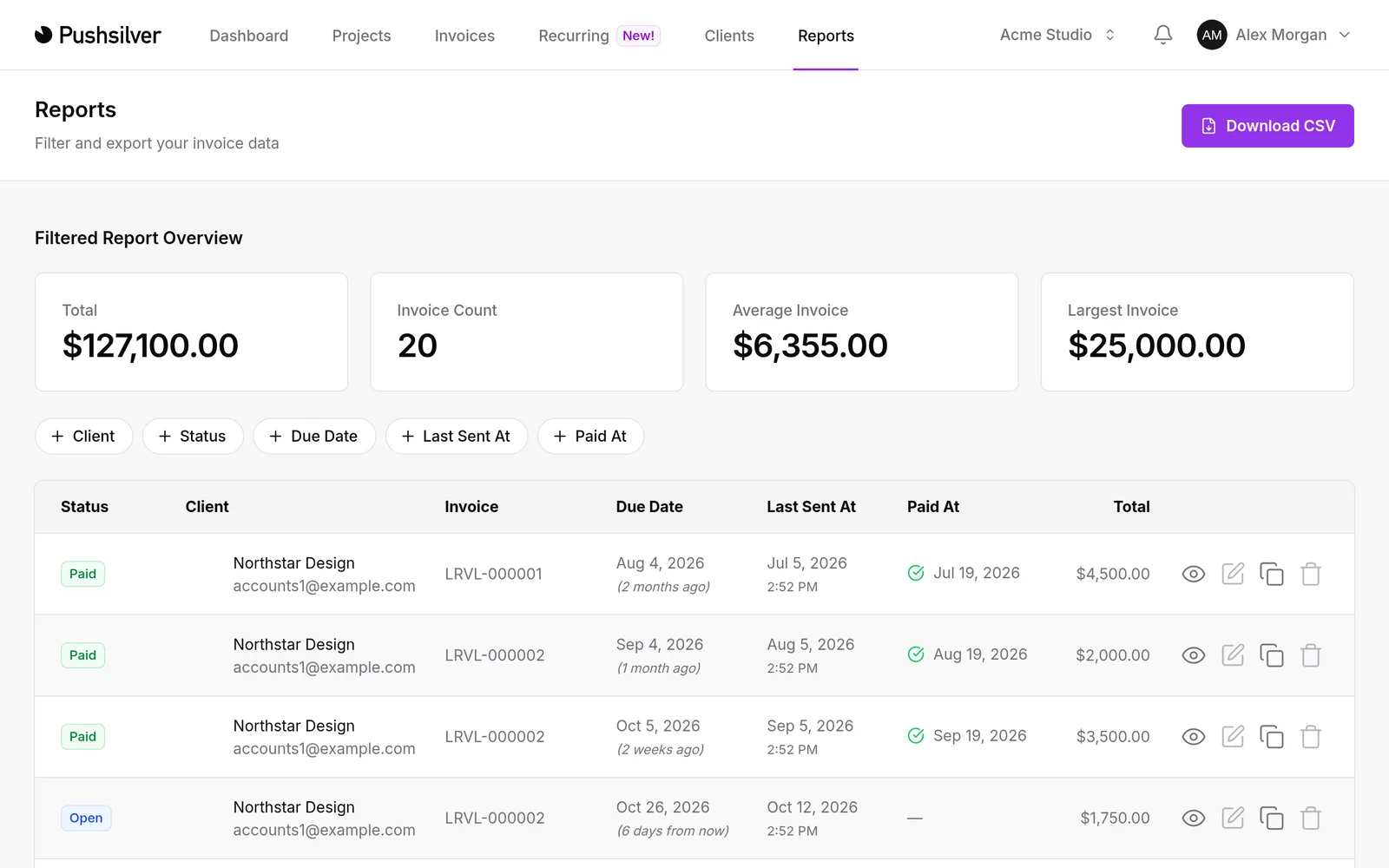
Reports brought invoice summaries and the records behind them into the same workflow. Instead of opening invoices one at a time to assemble a picture, you can review a filtered set and download a CSV for the next step.
Client and invoice status filters help narrow the question. You might want to look at one client's invoices or separate paid work from invoices that remain open. The point is a useful view of billing activity, not a replacement for your accounting records.
Reports and CSV export are currently included with Solo and Agency.
Bring a focused list to your review
Before a client check-in, filter the report to that client and review the relevant invoice statuses. If you need to discuss the records with your bookkeeper or work through them in a spreadsheet, download the CSV rather than retyping the list.
Start with one specific question, such as which invoices for a client are still open. Check the filters before exporting, and keep the exported file in a suitable place for financial information.
For routine follow-up after your review, automatic payment reminders provide a separate workflow around invoice due dates.