Automatic payment reminders: Follow up without a separate reminder list
Automatic invoice reminders follow a configurable schedule around the due date, with send activity recorded on the invoice.
Give follow-up a routine
Automatic payment reminders added a scheduled follow-up workflow around an invoice's due date. We also added activity records so a reminder is not just an email that disappears into the background. You have a record of the follow-up attached to the invoice.
The default cadence is three days before the due date, on the due date, seven days after, and fourteen days after. Company reminder settings let you adjust the schedule rather than treating every client relationship the same way.
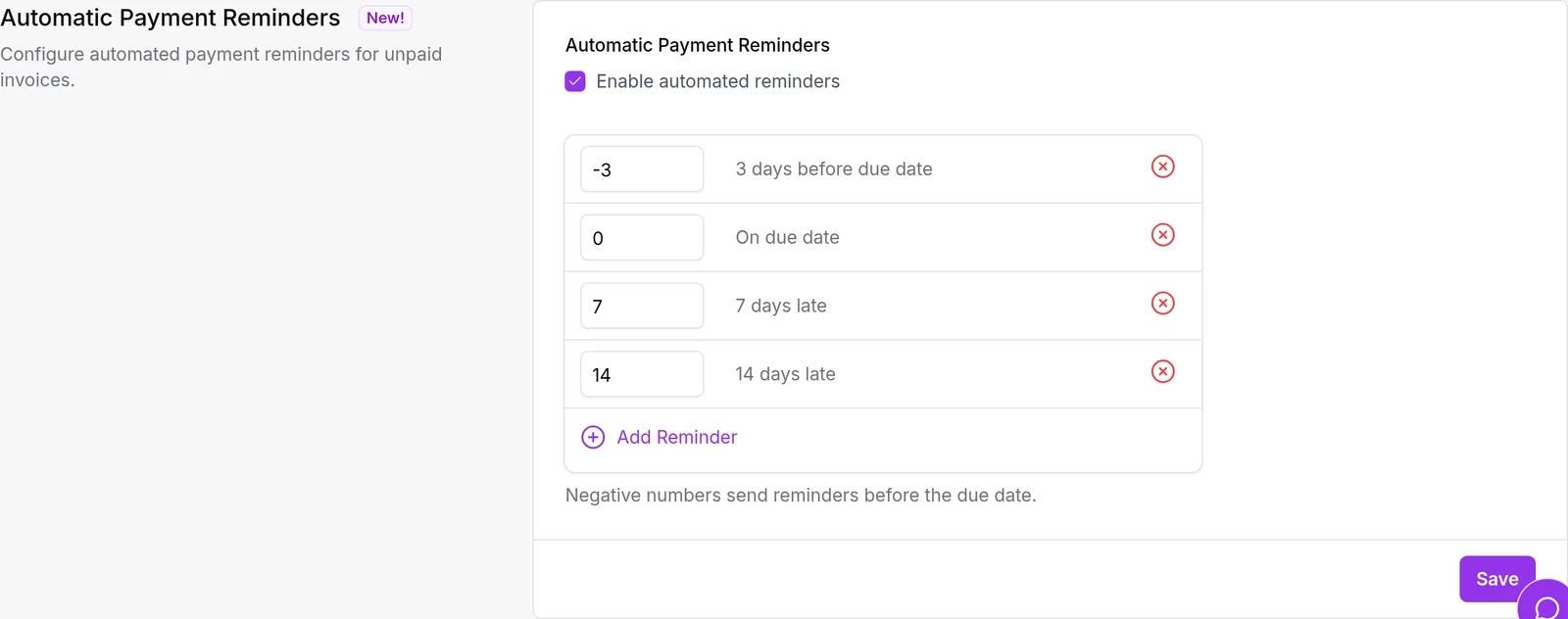
The job checks eligible unpaid invoices. This is a way to make follow-up more consistent, not a promise that an email will change a client's payment timing.
Keep the personal conversation for exceptions
If you invoice several clients at the end of each month, a separate list of dates to chase can become another task to maintain. A reminder schedule handles the routine notices while you decide when a direct conversation is more appropriate.
Start by reviewing your reminder settings and choosing a cadence you would be comfortable explaining to a client. Check invoice due dates, too: the schedule is only useful if those dates reflect your agreement.
For wording that sounds like your business rather than a generic notice, pair the schedule with customizable email templates.