Pushsilver AI: Ask questions about your invoice data
Pushsilver AI adds a read-only way to explore your company's invoices, payments, clients, and project information.
Start with a question
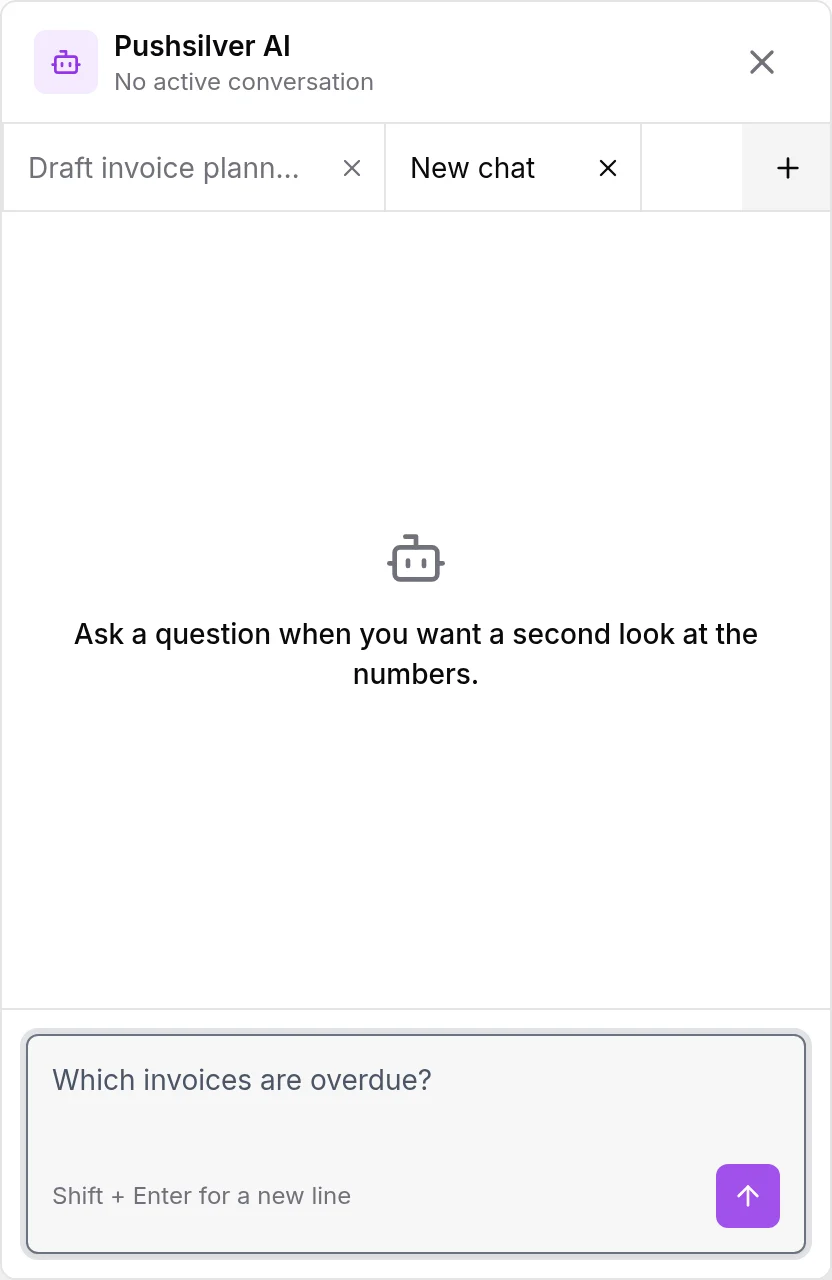
Pushsilver AI offers a conversational way to read billing information from the current company. Its tools cover questions about invoices, outstanding balances, payments, clients, recurring invoices, and projects.
The first version is deliberately read-only. It does not send or change invoices, issue refunds, or adjust company settings. We wanted a way to understand the records before considering any action on them, not a second control panel that makes changes through conversation.
Pushsilver AI is available on Agency when enabled and set up for your company.
Use the answer to decide where to look
Before a weekly billing review, ask which invoices are overdue or ask for a summary of outstanding balances. Then open the relevant records and check the dates, amounts, and context before deciding what to do next.
The assistant is instructed to use company-scoped application data and distinguish retrieved facts from missing information. That is a useful boundary, not a reason to treat every generated answer as accounting advice or skip checking important details.
Start with a narrow question you can verify against an invoice. For a conventional filtered view and a file you can work with outside the app, invoice reports and CSV remain a separate option.