Client portal: Give clients a home for invoices and payments
Clients can use an emailed sign-in link to review their invoices and payment history in a dedicated portal.
Give clients somewhere to return to
The client portal gives clients a dedicated place to review invoices and payments, using a sign-in link sent by email rather than a password they need to create and remember.
An individual invoice link answers one question. A portal is useful when the question is broader: which invoices have we received, and what has been paid? Keeping that history together gives the client a place to look before asking you to resend a document.
The portal is included with Solo and Agency. Check that portal access is enabled for your company before inviting clients to use it.
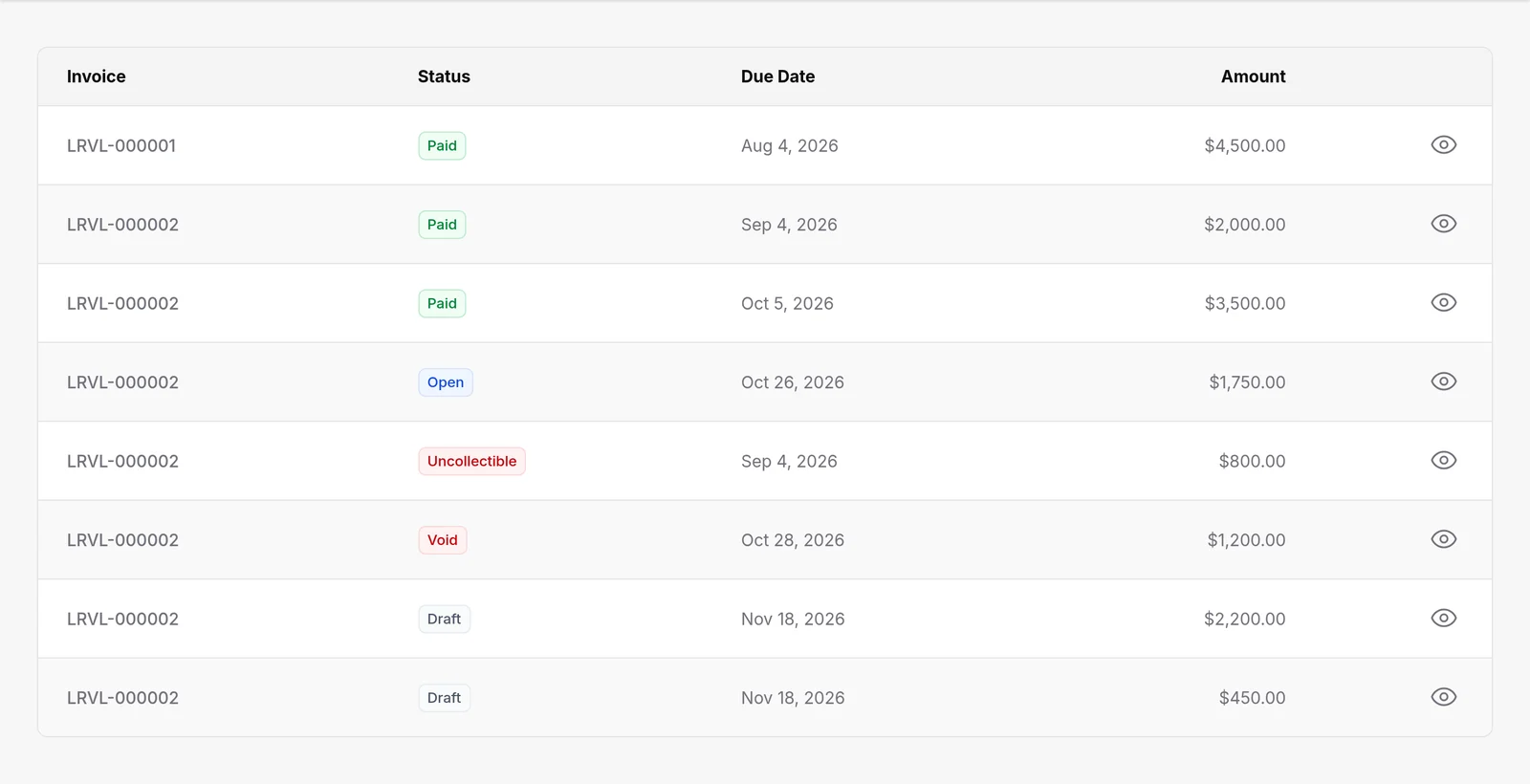
Make repeat billing easier to review
A client with several engagements may need to check an older invoice while reviewing the latest one. The portal brings that client-specific view together without requiring you to assemble a fresh email with every past invoice attached.
Before directing clients there, check your company's portal access and confirm the client email details. Walk through the sign-in and invoice view with a suitable client account so you understand what they will see.
For companies using the separate Agency project feature, projects and client updates add a delivery context alongside the billing relationship. Portal access alone does not include the Projects feature.