Client defaults: Save payment terms and invoice notes
Client defaults keep agreed payment terms and recurring invoice notes close to the client, instead of in your memory.
Keep the agreement with the client
Payment terms and default invoice notes belong with the client they describe. Save both on the client record so the details of a repeat agreement have a place to live.
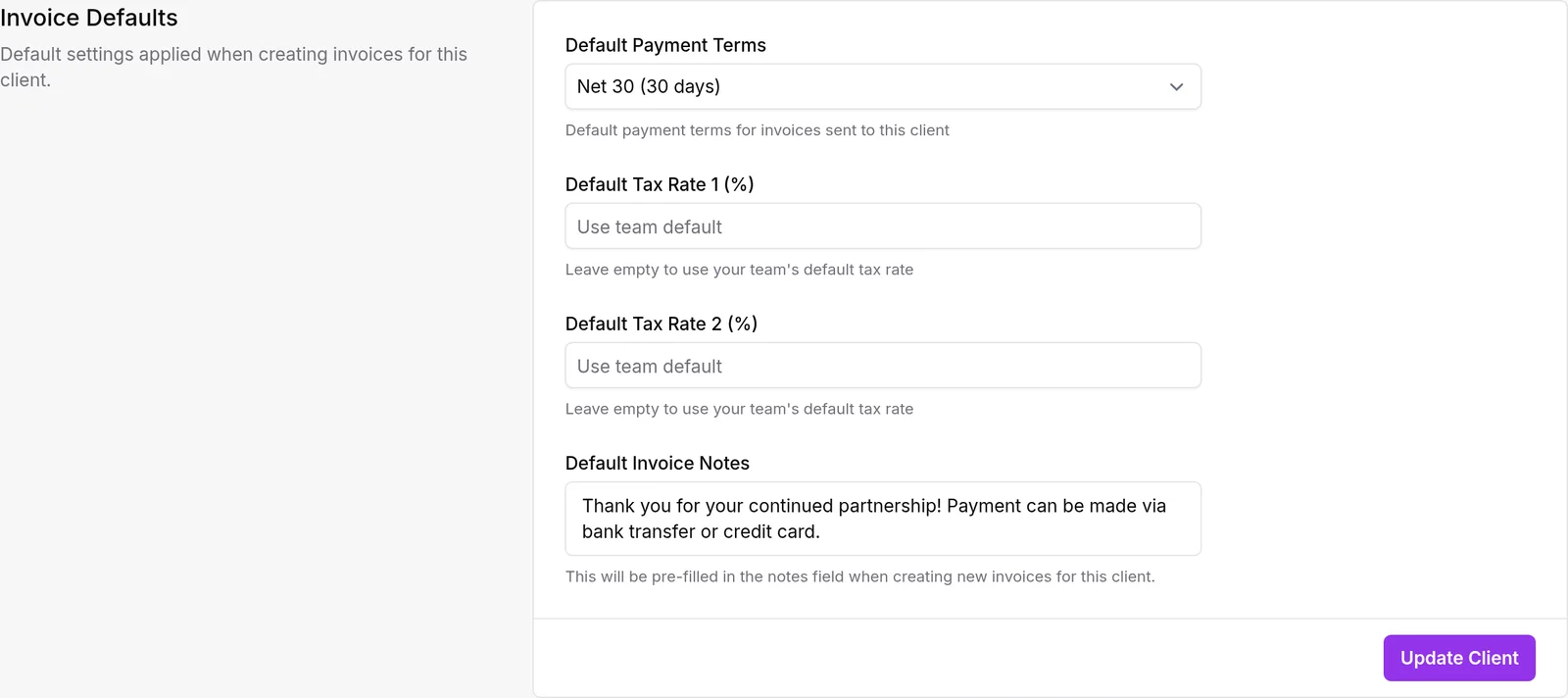
Together, they give you a starting point for preparing the next invoice. You do not need to remember which client expects a particular payment window or copy the same billing instruction from last month's document.
We think defaults should remove repetition, not replace a final review. An individual invoice still needs to reflect the work and agreement you are actually billing for. A saved note is useful precisely because you can start from familiar wording and check whether it fits.
Stop retyping the same instruction
Imagine a client who needs their department name included in every invoice note and has agreed payment terms. Save those details on the client before preparing the next invoice. That gives the billing process a more dependable starting point than a note kept somewhere outside the app.
Open a regularly billed client, review their payment terms, and add only the instructions that apply consistently. Then create an invoice for that client and check the resulting dates and notes before sending.
For work that repeats on a fixed schedule, these defaults also sit naturally alongside recurring invoices.